From a static experiment to a cloud deployment
This portfolio is built with Astro and produces a folder of static files. Hosting that on AWS is a solved problem, so the interesting part was not getting the files online, it was deciding how the files should get there, and who should be allowed to put them there.
The first version was deliberately manual: build locally, upload the output to an S3 bucket, enable S3 static website hosting, open the endpoint. That is the shortest path from zero to a working URL, and it is a good way to see what each service actually does before hiding it behind automation.
It is also not how I wanted to leave it. S3 static website hosting requires a publicly readable bucket, serves plain HTTP from a single region, and has no place to attach a certificate for a custom domain. So the bucket was closed off and the architecture was rebuilt around a private origin with CloudFront in front of it, defined entirely in Terraform.
Scope: this is a learning environment, not the permanent home of the site. The portfolio runs on Vercel; the AWS copy exists to build and document the infrastructure, and it is meant to be destroyed. That constraint shaped the work: everything had to be reproducible from code, because the whole environment is expected to be thrown away and recreated.
Architecture

Open diagram at full size ↗
Each piece has one job:
- Astro produces the static output in
dist/. Nothing runs on a server at request time. - GitHub holds the source, and a push to
aws-deploymentis the only deployment trigger. - GitHub Actions builds the site and runs the two AWS commands that publish it.
- GitHub OIDC and IAM replace stored AWS keys with a token exchange that produces credentials valid only for the job.
- S3 stores the build output. It is private and has no website endpoint.
- CloudFront is the only public entry point: it terminates TLS, caches at edge locations and fetches from S3.
- Origin Access Control (OAC) lets CloudFront sign its requests to S3 so the bucket can stay closed.
- ACM issues the certificate for the custom domain.
- Cloudflare holds DNS for
rafasanchez.devand points theawssubdomain at the distribution.
Two placement decisions are worth calling out because they are not arbitrary. CloudFront sits in front of S3 not mainly for speed but because it is the component that can hold a certificate and an alternate domain name, and because it lets the bucket stop being a public web server. And the certificate lives in us-east-1 while the bucket lives in eu-north-1 — CloudFront only reads certificates from us-east-1, regardless of where the rest of the infrastructure is.
Infrastructure as Code with Terraform
The infrastructure/ folder is split by responsibility rather than by one large file:
providers.tf— AWS provider version constraint, default region, and a second aliased provider forus-east-1.variables.tf—project_name, used to derive resource names.s3.tf— bucket, Public Access Block and bucket policy document.cloudfront.tf— Origin Access Control and the distribution.iam.tf— GitHub OIDC provider, role, trust policy and permissions.acm.tf— the certificate, created through theus-east-1provider.outputs.tf— the values needed after an apply: bucket, distribution, domain, certificate ARN.
The multi-region requirement is handled with a second provider rather than a second Terraform configuration:
provider "aws" {
    region = "eu-north-1"
    profile = "rafa-iac"
}

provider "aws" {
  alias   = "us_east_1"
  region  = "us-east-1"
  profile = "rafa-iac"
}
Only the certificate uses the alias, through provider = aws.us_east_1. Everything else uses the default provider. The explicit profile matters more than it looks: it pins Terraform to one named AWS CLI profile instead of whatever credentials happen to be first in the environment.
Outputs exist so the values needed after an apply do not have to be hunted for in the console:
output "cloudfront_distribution_id" {
    value = aws_cloudfront_distribution.website.id
}

output "custom_domain" {
  value = "https://aws.rafasanchez.dev"
}

output "certificate_arn" {
  value = aws_acm_certificate.website.arn
}
What is and is not committed
.gitignore excludes Terraform state and the local provider cache:
.terraform/
*.tfstate
*.tfstate.*
State is excluded because it is not source code: it is a record of the deployed environment, it contains resource identifiers and attributes, and in other projects it can contain sensitive values. .terraform/ is a local cache of downloaded providers, so committing it just means committing binaries.
.terraform.lock.hcl is committed, and that is a deliberate exception. It pins the exact provider version and its checksums, so terraform init resolves to the same provider on another machine instead of quietly picking up a newer release that matches ~> 6.0.
The honest limitation: state is local, so this configuration is effectively single-operator. A shared setup would need a remote backend with locking. For a disposable single-person learning environment, that was not worth adding.
Keeping S3 private
The bucket blocks public access at the bucket level:
resource "aws_s3_bucket_public_access_block" "website" {
  bucket = aws_s3_bucket.website.id

  block_public_acls       = true
  block_public_policy     = true
  ignore_public_acls      = true
  restrict_public_buckets = true
}
With all four settings on, the bucket cannot be made public by accident — not by an ACL, not by someone attaching a permissive policy later. That rules out S3 static website hosting, which is the point: the only way in is through CloudFront.
CloudFront reaches the bucket through an Origin Access Control, which signs origin requests with SigV4:
resource "aws_cloudfront_origin_access_control" "website" {
  name                              = "${var.project_name}-oac"
  description                       = "OAC for ${var.project_name}"
  origin_access_control_origin_type = "s3"
  signing_behavior                  = "always"
  signing_protocol                  = "sigv4"
}
The distribution uses the bucket’s regional domain name as its origin — not the website endpoint — and attaches the OAC:
  origin {
    domain_name              = aws_s3_bucket.website.bucket_regional_domain_name
    origin_id                = "S3-${aws_s3_bucket.website.id}"
    origin_access_control_id = aws_cloudfront_origin_access_control.website.id
  }
The bucket policy then admits exactly one reader: the CloudFront service principal, and only when the request comes from this distribution.
data "aws_iam_policy_document" "website" {
  statement {
    actions = ["s3:GetObject"]

    resources = [
      "${aws_s3_bucket.website.arn}/*"
    ]

    principals {
      type        = "Service"
      identifiers = ["cloudfront.amazonaws.com"]
    }

    condition {
      test     = "StringEquals"
      variable = "AWS:SourceArn"

      values = [
        aws_cloudfront_distribution.website.arn
      ]
    }
  }
}
Without the AWS:SourceArn condition, the policy would trust the CloudFront service as a whole — meaning any CloudFront distribution, including one in another account. The condition narrows it to this distribution.
This is also why the bucket policy lives in s3.tf but references aws_cloudfront_distribution.website.arn: the two resources depend on each other by design, and Terraform resolves the ordering.
CI/CD with GitHub Actions

Open diagram at full size ↗
The workflow triggers on one branch and asks for one extra token permission:
name: Deploy to AWS

on:
  push:
    branches:
      - aws-deployment

permissions:
  id-token: write
  contents: read

env:
  AWS_REGION: eu-north-1
  S3_BUCKET: personal-portfolio-aws-rsdev
  CLOUDFRONT_DISTRIBUTION_ID: E35MO5FKPVPHM4
id-token: write is what allows the job to request an OIDC token; without it the AWS authentication step has nothing to present. The three env values started out inline in the steps and were pulled up afterwards, so the bucket and distribution appear once instead of being repeated in the commands.
Authentication happens before the build, by assuming a role rather than reading secrets:
- name: Configure AWS credentials
  uses: aws-actions/configure-aws-credentials@v5
  with:
    role-to-assume: arn:aws:iam::<account-id>:role/github-actions-portfolio
    aws-region: ${{ env.AWS_REGION }}
The build is an ordinary Node build — npm ci rather than npm install, so the runner installs exactly what package-lock.json pins:
- name: Install dependencies
  run: npm ci

- name: Build Astro
  run: npm run build
Publishing is two AWS CLI calls:
- name: Upload to S3
  run: aws s3 sync dist/ s3://${{ env.S3_BUCKET }} --delete

- name: Invalidate CloudFront cache
  run: |
    aws cloudfront create-invalidation \
      --distribution-id ${{ env.CLOUDFRONT_DISTRIBUTION_ID }} \
      --paths "/*"
sync only transfers objects that changed, and --delete removes objects that are no longer in dist/, so a deleted page does not linger in the bucket. The invalidation is needed because CloudFront caches by object: without it, edge locations would keep serving the previous index.html until their cached copies expired, and a successful deployment would look like nothing had happened. Invalidating /* is the blunt version — fine for a site this size, and the thing to refine first if deployments became frequent.

The run for the most recent commit on the branch: a single
deploy job, 44 seconds of work inside a 54-second run.
Passwordless AWS authentication with GitHub OIDC

Open diagram at full size ↗
The alternative to this section is short: create an IAM user, generate an access key, paste it into GitHub secrets, done. It works, and it leaves a permanent credential sitting in two places that only rotates if someone remembers to rotate it.
Instead, AWS is told to trust GitHub’s token issuer:
resource "aws_iam_openid_connect_provider" "github" {
  url = "https://token.actions.githubusercontent.com"

  client_id_list = [
    "sts.amazonaws.com"
  ]
}
A workflow run then asks GitHub for a signed token describing itself, and calls sts:AssumeRoleWithWebIdentity. AWS validates the signature against the provider and checks the trust policy conditions before issuing temporary credentials that expire with the job.
Two conditions make that trust specific rather than blanket:
    condition {
      test     = "StringEquals"
      variable = "token.actions.githubusercontent.com:aud"
      values   = ["sts.amazonaws.com"]
    }

    condition {
      test     = "StringLike"
      variable = "token.actions.githubusercontent.com:sub"
      values   = [
        "repo:RafaelSanchezCordoba@53056368/personal-portfolio@1362535609:*"
      ]
    }
The aud condition requires the token to have been minted for STS. The sub condition restricts which workflow may assume the role, and it uses GitHub’s identifier form — the numeric owner and repository IDs rather than only their current names. Names can be changed and reused; the identifiers cannot. The trade-off in the value as written is the trailing :*: it matches any ref or environment in that repository, which is broader than pinning a single branch.
The role itself receives only what a deployment needs:
data "aws_iam_policy_document" "github_actions_permissions" {
  statement {
    actions = [
      "s3:ListBucket"
    ]

    resources = [
      aws_s3_bucket.website.arn
    ]
  }

  statement {
    actions = [
      "s3:PutObject",
      "s3:DeleteObject"
    ]

    resources = [
      "${aws_s3_bucket.website.arn}/*"
    ]
  }

  statement {
    actions = [
      "cloudfront:CreateInvalidation"
    ]

    resources = [
      aws_cloudfront_distribution.website.arn
    ]
  }
}
The split between the two S3 statements is the part worth noticing: s3:ListBucket is a bucket-level action and takes the bucket ARN, while object actions take bucket/*. aws s3 sync needs the listing to work out what changed, and --delete is why s3:DeleteObject is there at all.
What the role cannot do is as important as what it can: it cannot change the distribution, touch other buckets, read or write IAM, or do anything at all outside this deployment. If the workflow were compromised, the blast radius is the contents of one bucket and the ability to invalidate one cache.
Automated deployment flow
After git push origin aws-deployment:
- GitHub matches the branch trigger and queues the
deployjob onubuntu-latest. actions/checkout@v4clones the repository into the runner.aws-actions/configure-aws-credentials@v5requests an OIDC token, callssts:AssumeRoleWithWebIdentity, and exports temporary credentials into the job environment.actions/setup-node@v4installs Node 22.npm ciinstalls the locked dependency tree.npm run buildproducesdist/.aws s3 sync dist/ s3://… --deleteuploads changed files and removes deleted ones.aws cloudfront create-invalidation --paths "/*"tells the edge locations to refetch.- The credentials disappear when the job finishes.
The one step in an order you might not expect is authentication, which happens before the build rather than just before the upload. That is how the workflow is written, and it is also the order that fails fastest: a broken trust policy stops the run in about ten seconds instead of after a full install and build.

The bucket after a deployment: the contents of dist/ and
nothing else, all written in the same second by one aws s3 sync
.
Custom domain and HTTPS
The distribution’s default *.cloudfront.net name works, but the site is reachable at aws.rafasanchez.dev. That needs three things to line up: a certificate, an alias on the distribution, and DNS.
The certificate is requested through the aliased provider, which is the only reason that provider exists:
resource "aws_acm_certificate" "website" {
  provider          = aws.us_east_1
  domain_name       = "aws.rafasanchez.dev"
  validation_method = "DNS"

  lifecycle {
    create_before_destroy = true
  }
}
CloudFront is a global service, but it reads certificates from us-east-1 only. A certificate for the same domain in eu-north-1 would be issued and then be unusable here.
The distribution declares the alias and the certificate together:
    aliases = ["aws.rafasanchez.dev"]

    viewer_certificate {
    acm_certificate_arn      = aws_acm_certificate.website.arn
    ssl_support_method       = "sni-only"
    minimum_protocol_version = "TLSv1.2_2021"
    }
aliases is what makes CloudFront accept requests whose Host header is aws.rafasanchez.dev instead of rejecting them. sni-only avoids the cost of a dedicated IP, and TLSv1.2_2021 sets the floor for viewer connections.
DNS lives at Cloudflare, where the domain is registered, and ends up holding two records for two different purposes:
- The validation CNAME. ACM issues a certificate only after proving control of the domain. It generates a record name and target, and the certificate stays
Pending validationuntil that record resolves. This is a one-time proof, but the record stays in place — removing it can prevent ACM from renewing the certificate later. - The runtime CNAME.
awspoints atd3ay5auj3yddcp.cloudfront.net, the distribution’s own domain name. This is the record a visitor’s browser actually follows.
Neither record is managed by Terraform. The AWS provider has no authority over a Cloudflare zone, so the DNS side was done in the Cloudflare dashboard — which is the seam in this setup: the infrastructure is reproducible from code up to the point where it needs a DNS record, and that step is manual.

The three settings that make the custom domain work, side by side: the alternate domain name, the ACM certificate attached to it, and the TLS policy. The ARN is masked because it contains the account ID.
Infrastructure lifecycle
The environment is driven by the standard Terraform cycle:
terraform init      # download the AWS provider, honouring .terraform.lock.hcl
terraform validate  # check syntax and internal references
terraform plan      # show what would change, before anything changes
terraform apply     # create or update the resources
terraform destroy   # remove everything this configuration created
plan is the step that makes this workable. Because every resource is declared, the plan output is an exact statement of what is about to happen — and when working against a real account, reading it is the difference between an intentional change and an expensive surprise.
destroy is not an afterthought here. This environment is meant to be temporary: a CloudFront distribution and an S3 bucket that exist only to demonstrate the architecture. Being able to remove them in one command, and recreate them from the same files, is the actual deliverable. The manual pieces — the AWS CLI profile and the Cloudflare DNS records — are the parts that would have to be redone by hand.
Result
A push to aws-deployment now rebuilds the site and publishes it without a manual step, against infrastructure that is described in nine files.

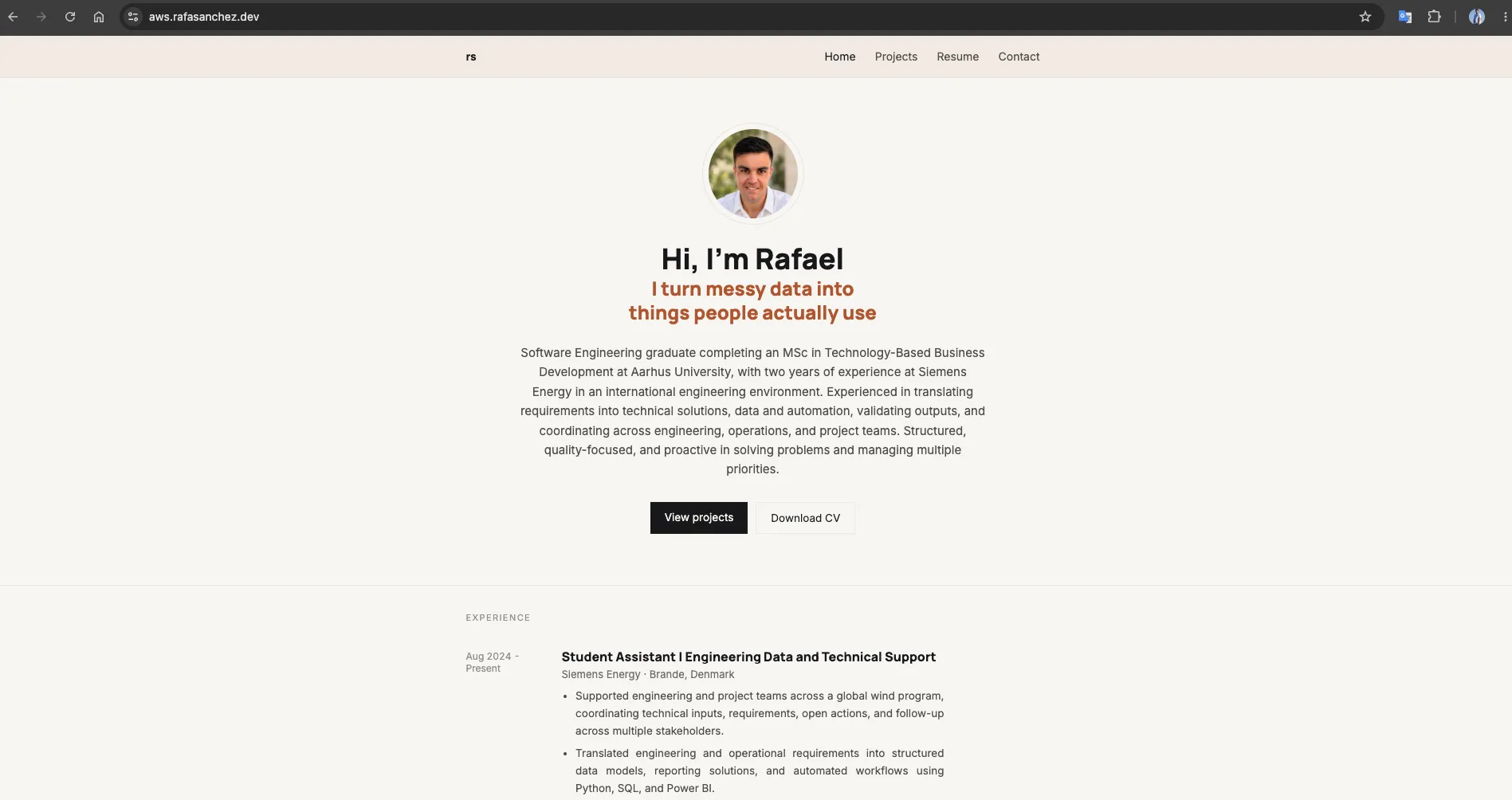
The same Astro build that runs on Vercel, served from a private S3 bucket
through CloudFront at aws.rafasanchez.dev.
Concretely, this environment has:
- Push-triggered deployment with no manual upload.
- All AWS resources defined in Terraform and reproducible from the repository.
- No long-lived AWS credentials anywhere in GitHub.
- A private S3 origin with public access blocked at the bucket level.
- CloudFront as the single public entry point, with TLS from ACM.
- A custom domain on HTTPS.
- Automatic cache invalidation after every deployment.
- A deployment role scoped to object writes on one bucket and invalidations on one distribution.
- A
terraform destroypath, because the environment is meant to be disposable.
What it does not have, deliberately: remote state, multiple environments, monitoring, budget alarms, or a cache policy more considered than invalidating everything. Those are the next things to add if this stopped being a learning environment — and this one is going to be torn down instead.
Key takeaways
- Infrastructure as Code pays for itself when the environment is disposable. Console clicks produce a working environment and no record of how it was built. These files can rebuild the same environment after a
destroy— which is exactly what this project needed. - Least privilege is easier to apply at creation than to retrofit. Writing three narrow statements at the start cost nothing; narrowing an existing
s3:*policy later means finding out what actually depended on it. - Temporary credentials remove a class of problem rather than managing it. There is no key to rotate, leak or forget.
- A CDN in front of private storage is a structural decision, not an optimisation. It is what makes it possible for the origin to have no public endpoint at all.
- DNS and TLS are where the boundaries between providers show. Terraform manages the AWS side; the Cloudflare records are manual, and that seam is the least reproducible part of the setup.
- Verify the outcome, not the exit code. A green pipeline and an updated website are two different claims.